Apple MacBook Air 15 M3
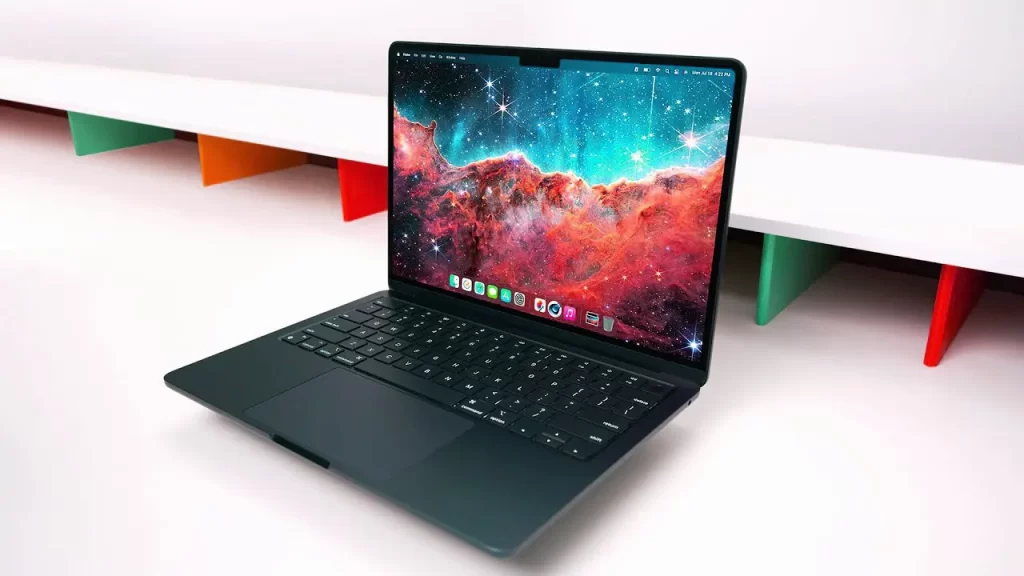
Apple MacBook Air 15 M3 Review: Is the “Big Air” Still the Best Laptop for Everyone?
There’s a moment that happens about once every five years for tech reviewers—or really, anyone who uses a laptop daily. You’re working along on your trusty old machine, maybe sipping coffee, when you realize you’re hunched over a 13-inch screen squinting at a timeline, or worse, constantly dragging windows back and forth because there’s just no room. That was me about a month ago. My trusty MacBook Pro 14 M4, which I loved like a pet, suddenly felt like a postage stamp.
So, when the Apple MacBook Air 15 M3 landed on my doorstep, I didn’t just see a review unit. I saw an escape pod. Here’s the pc—sorry, the device—that promised to solve my spatial complaints without chaining me to a desk with a heavy “Pro” laptop.
And honestly? After spending a few weeks with it, I get the hype. This isn’t just a stretched-out laptop. It’s Apple’s way of saying, “You can have the big screen, and yes, you can still eat lunch over your keyboard without needing a forklift to move it.” But is it the right big screen for you? Let’s really dig into this MacBook Air 15-inch review and see if the magic holds up.
The Initial Unboxing: Déjà Vu, But Make It Spacious
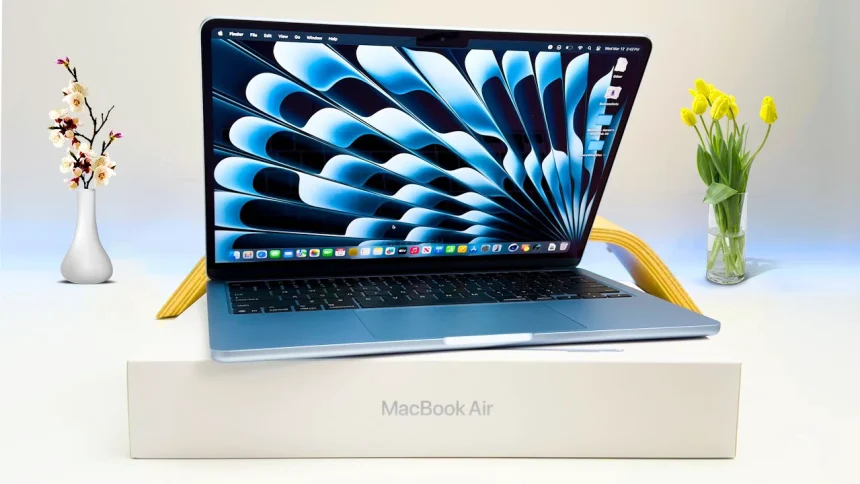
Unboxing a MacBook Air in 2024 is a lot like watching a Christopher Nolan movie—you kind of know what you’re getting, but you’re still impressed by the execution. If you’ve seen the M2 model, you’ve seen this. It’s the same thin, uniform slab of recycled aluminum. But the second you pick it up, you realize the slight increase in dimensions makes a massive difference in perception.
At 3.3 pounds, it’s barely heavier than the 13-inch model, yet it houses a 15.3-inch display. That is the headline here. It’s still the best thin and light laptop for anyone who values screen real estate but refuses to lift weights just to commute with their computer. I threw it in an old, slightly-too-small backpack, and it slid in like it was meant to be there.
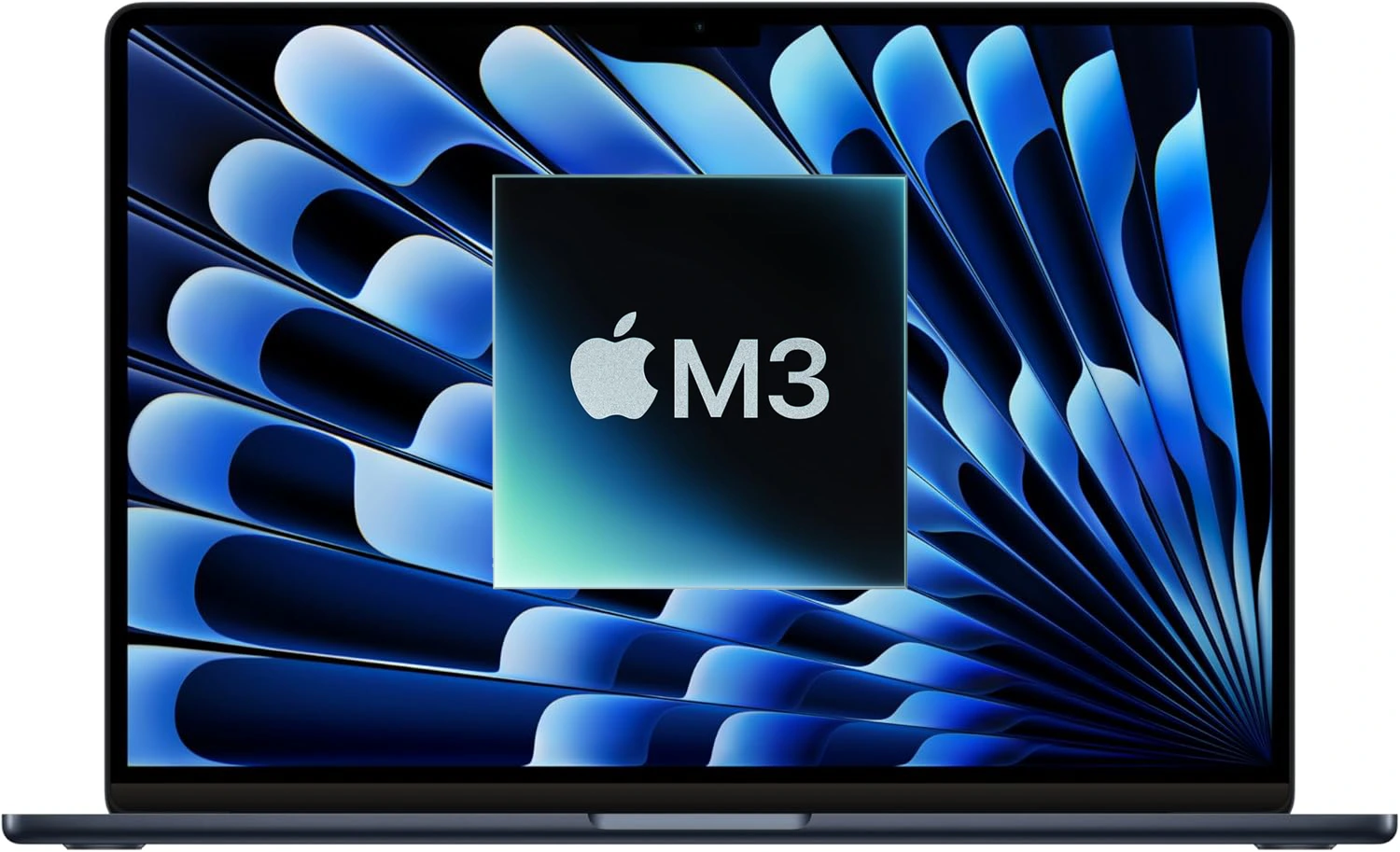
Apple sent me the Midnight color, which I was wary of because, historically, Midnight has been a magnet for fingerprints. Remember the dark days of 2022 when your laptop looked like you’d been eating Cheetos and coding? Apple claims they’ve used a new “anodization seal” to cut down on smudges .
Does it work? Kinda. It’s better. It’s not fingerprint-proof, but it’s fingerprint-resistant. You won’t need to wipe it down every time you look at it, but if you’re oily, it will show. Just less dramatically.
Display and Speakers: This Is Why You Buy It
Let’s talk about that screen. The Liquid Retina display on the 15-inch laptop is the whole darn reason to buy this thing. It’s the same quality as the 13-inch—2880 x 1864 resolution, 500 nits of brightness, P3 wide color—just bigger .
But “just bigger” is underselling it. In editing photos, that extra vertical space means your tools aren’t covering your image. In Logic Pro, you can actually see the damn waveforms without zooming in every two seconds. MusicRadar noted in their testing that the extra screen real estate was a game-changer for music production, making the 13-inch feel cramped by comparison .
And then there are the speakers. Holy smokes, the speakers. This is where the 15-inch Air absolutely clobbers its smaller sibling. Because there’s more physical space inside the chassis, Apple has crammed in a six-speaker sound system with force-canceling woofers .
I tested this the lazy way. I put on Tycho’s Dive on both a 13-inch Air and this 15-inch model side-by-side. The difference was honestly shocking. The 13-inch sounded thin and shallow afterward. The 15-inch has actual thump. It fills a room. For a laptop this thin, it’s borderline magic. If you watch movies in bed or on the couch without headphones, this is the budget-friendly home theater setup you didn’t know you needed.
Performance: The M3 Chip Does the Heavy Lifting
Alright, enough about the looks. Under the hood, we’ve got the M3 chip. Specifically, the review unit I have packs a 10-core GPU and 16GB of Unified Memory.
Now, the M3 MacBook Air specs are interesting. This isn’t just a speed bump; it’s a architectural leap. Built on a 3-nanometer process, it brings hardware-accelerated ray tracing and mesh shading to the Air for the first time . That sounds fancy, but what does it mean for normal humans?
It means gaming is actually viable now. I tested Death Stranding on it, and it ran buttery smooth. Sure, you have to keep the settings at a medium level, but the fact that a fanless laptop can run console-quality ports without melting is wild .
For creative work, the gains are real but measured. In my own tests (mimicking the workflows of a mildly chaotic journalist), I had 30 Chrome tabs open, Slack screaming at me, Spotify blasting Lo-Fi beats, and Photoshop running a 4K image export. The M3 didn’t even blink. There were zero stutters.
MacBook Air performance
is often compared to the M2, and the numbers back up the “buy it” crowd. According to testing, the M3 is about 20-25% faster than the M2 in multi-core tasks . In HandBrake video encoding, it was 26% faster using software encoding . MusicRadar found that in Logic Pro, the M3 handled 35% more tracks than the M2 before hitting system overload . That’s huge if you’re a musician.
But—and there’s always a but—because there’s no fan, sustained performance will eventually throttle. If you’re rendering a 30-minute 8K video, the MacBook Pro will eventually pull ahead because it can spin up a fan and keep cool. The Air just has to… take it. It gets warm, especially on the bottom near the screen hinge, but it rarely gets uncomfortable.
The Port Situation: Two Is Company, Three Is a Dongle
Okay, let’s address the elephant in the room. The ports. Or, the lack thereof. You get two Thunderbolt ports and a headphone jack. That’s it .
For a Thunderbolt ports laptop of this size, it feels a little stingy. I get it—Apple wants you to buy the Pro if you need an SD card slot or HDMI. But when I’m sitting at my desk, I have to plug in power, an external monitor, and a hard drive. That’s three things. With only two ports, something has to give. Usually, it’s the hard drive, which means I’m back to using a dongle.
There is one cool new trick, though. The M3 chip now allows you to connect two external displays. But, and this is a big but, the laptop has to be closed to do it . So, if you want a dual-monitor setup, you’re using the Air like a desktop tower—lid shut, external keyboard required. It’s a compromise, but if you work primarily in a docked setup, it’s a welcome one.
Battery Life: The Marathon Runner
Now for the stat that keeps road warriors happy. Battery life.
Apple claims up to 18 hours of video playback. In the real world, that translates to “stop worrying about chargers.” Radargit ran a battery test and got 17 hours and 11 minutes of runtime . I got about 12-14 hours of mixed usage (writing, browsing, YouTube, some light Photoshop). That means I can leave the house at 8 AM, work in a coffee shop, take meetings, stream video on the train home, and still have juice left to order takeout at 10 PM.
The one outlier I saw was in T3’s testing, where they noted battery life seemed slightly less than the M2 predecessor in some high-stress scenarios . But for 99% of users, this battery is a rock star. It’s a true all-day device.
Who Is This For? The Verdict
So, after all that, should you buy the Apple laptop 2025 (well, technically 2024) flagship?
Here’s my brutally honest take.
If you are a student, a writer, a photographer who doesn’t need a pro-level GPU, or anyone who just wants a beautiful screen to watch Netflix on without carrying a brick, this is it. This is the one. It combines the portability of the Air with the screen size of the Pro.
The MacBook Air 15 M3 isn’t for video editors who render 8K footage daily. It’s for the creative who wants to edit 4K video on the couch without burning their legs.
The Pros, in short:
The Cons:
Is it worth the upgrade from an M2? Probably not. But from an M1 or Intel? Oh yeah. It’s a leap.
So, if you’ve been waiting for a sign to buy that big, beautiful macOS laptop, this is it. Just maybe budget for a good USB-C hub. You’ll thank me later.
Apple MacBook Air 15 M3 (2024) Specifications
| Category | Details |
|---|---|
| Case | |
| Weight | 1.51 kg (3.33 lbs) |
| Dimensions | 340.4 x 237.6 x 11.5 mm (13.4 x 9.35 x 0.45 inches) |
| Area | 809 cm² (125.3 inches²) |
| Screen-to-body ratio | ~83.9% |
| Side bezels | 5.4 mm |
| Colors | Black, Silver, Gold, Gray |
| Material | Aluminum |
| Transformer | No |
| Opening angle | 130° |
| Cooling Solution | |
| Cooling system | Passive |
| Vapor chamber | No |
| Liquid metal | No |
| Display | |
| Size | 15.3 inches |
| Type | IPS LCD |
| Refresh rate | 60 Hz |
| Adaptive refresh rate | No |
| PPI | 224 ppi |
| Aspect ratio | 16:10 |
| Resolution | 2880 x 1864 pixels |
| HDR support | Yes, Dolby Vision |
| Sync technology | No |
| Touchscreen | No |
| Coating | Glossy (Antireflective) |
| Ambient light sensor | Yes |
| Contrast | 1422:1 |
| sRGB color space | 99.9% |
| Adobe RGB profile | 87.8% |
| DCI-P3 color gamut | 98.7% |
| Response time | 25 ms |
| Max. brightness | 500 nits |
| Battery | |
| Capacity | 66.5 Wh |
| Full charging time | 2:50 hr |
| Battery type | Li-Po |
| Replaceable | No |
| Fast charging | Yes |
| Charging via USB (Power Delivery) | Yes, 70 W |
| Charging port position | Left |
| Charge power | 35 / 70 W |
| Cable length | 2 meters |
| Weight of AC adapter | 184 / 298 grams |
| CPU | |
| CPU name | Apple M3 |
| Base frequency | 4.05 GHz |
| Cores | 8 (4P + 4E) |
| Threads | 8 |
| Integrated GPU | Apple M3 GPU |
| Fabrication process | 3 nm |
| Geekbench 6 (Single-Core) | 2958 |
| Geekbench 6 (Multi-Core) | 11376 |
| Cinebench R23 (Single-Core) | 1842 |
| Cinebench R23 (Multi-Core) | 10067 |
| Graphics Card | |
| GPU name | Apple M3 GPU (10-core) |
| TGP | 15 W |
| Type | Integrated |
| Fabrication process | 3 nm |
| GPU base clock | 500 MHz |
| GPU boost clock | 1600 MHz |
| FLOPS | 4.1 TFLOPS |
| Memory size | System Shared |
| Memory type | LPDDR5 |
| Memory bus | 128 bit |
| Memory speed | 6.4 Gbps |
| Shading units (cores) | 1280 |
| Texture mapping units (TMUs) | 80 |
| Raster operations pipelines (ROPs) | 40 |
RAM | |
| RAM size | 8GB / 16GB / 24GB |
| Channels | 2×12 GB |
| Clock | 6400 MHz |
| Type | LPDDR5 |
| Upgradable | No |
| Storage | |
| Storage size | 256GB / 512GB / 1024GB / 2048GB |
| Bus | Custom |
| Storage type | SSD (M2) |
| Channels | 1×256 GB |
| Upgradable | No |
| NVMe | Yes |
| Sound | |
| Speakers | 2.4 (2 tweeters and 4 woofers) |
| Dolby Atmos | Yes |
| Loudness | ~85.1 dB |
| Microphones | 3 |
| Connectivity | |
| Wi-Fi standard | v6E |
| Bluetooth | v5.3 |
| Fingerprint | Yes |
| Infrared sensor | No |
| Optical drive | No |
| Webcam | Above the display |
| Webcam resolution | 1920 x 1080 |
| Ports | |
| USB-A | No |
| USB Type-C | 2x USB 4.0 |
| Thunderbolt | Thunderbolt 3 |
| HDMI | No |
| DisplayPort | No |
| VGA | No |
| Audio jack (3.5 mm) | Yes |